فیلدهای تعداد
فیلدهای تعداد محصول را مطابق با روش واقعی کار موجودی خود سفارشی کنید.
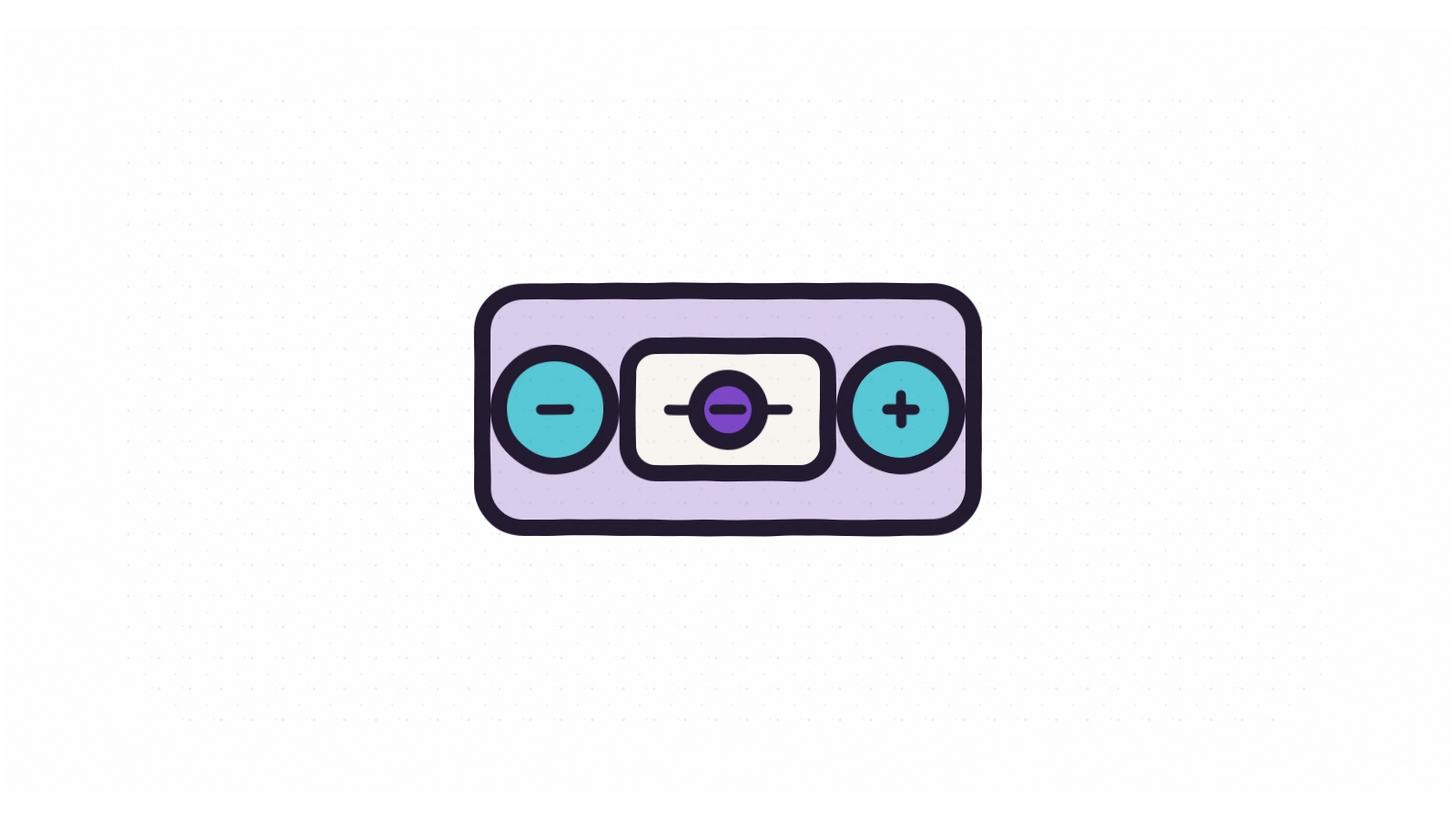
برخلاف راهحلهای یکاندازه برای همه، «فیلدهای تعداد» ورودی تعداد را با قواعد واقعی کسبوکار شما تطبیق میدهد. دکمههای روشن مثبت و منفی اضافه کنید، حداقل سفارش را اجباری کنید، سقف تعداد را تعیین کنید و گام افزایشی که مشتری میتواند انتخاب کند را کنترل کنید.
فیلد و دکمهها را با قالب خود هماهنگ کنید، کنترلهای تعداد را در صفحه محصول کاملاً غیرفعال کنید، یا با یک تنظیم، «فروش تکواحدی» را روی همه محصولات اعمال کنید. چه بهازای متر بفروشید، چه بهصورت بسته یا کارتن، همه چیز با فرایند ارسال شما هماهنگ میماند.
هوکهای توسعهدهنده
فیلترها
jetexir_product_variation_quantity_settings،apply_filters( 'jetexir_product_variation_quantity_settings', $inputs )، فیلتر پیکربندی فیلدهای مدیریتی تعداد متغیرها پیش از رندر.jetexir_quantity_input_display_plus_minus،apply_filters( 'jetexir_quantity_input_display_plus_minus', true, $product_id )، برای پنهان کردن دکمههای مثبت/منفی اطراف ورودی تعداد،falseبرگردانید.
قابلیتهای کلیدی
- ✓ دکمههای مثبت و منفی روی فیلد تعداد
- ✓ کنترل مقادیر کمینه، بیشینه و گام افزایش
- ✓ استایل سفارشی برای فیلد و دکمههای آن
- ✓ غیرفعال کردن فیلد تعداد و دکمهها در صفحه محصول
- ✓ فعالسازی «فروش تکواحدی» برای همه محصولات یکجا
افزونههای مرتبط

نشانهای تخفیف
نشانهای تخفیف روی محصولات خود را سفارشی کنید تا توجه جلب شده و حس فوریت ایجاد شود.

تغییرات قیمت
قیمت محصولات متغیر را همانطور که میخواهید نشان دهید؛ با بازه قیمت، قیمت واحد یا پیشوند شفاف «از».
مقایسه محصول
به خریداران اجازه دهید محصولات را کنار هم مقایسه کنند و گزینه مناسب خود را انتخاب کنند.

لیست علاقهمندی
به مشتریان اجازه دهید محصولات مورد علاقه خود را ذخیره کنند و بعداً برای خرید برگردند.

اشتراکگذاری در شبکههای اجتماعی
به مشتریان اجازه دهید محصولات شما را با یک کلیک در شبکههای اجتماعی به اشتراک بگذارند.

بخش پرسشهای متداول
پرسشهای رایج را در همان صفحه محصول پاسخ دهید و تردید در خرید را از بین ببرید.

محصولات مرتبط
با بلوکهای جذاب و هوشمند محصولات مرتبط، خریداران را به کاوش در کالای فروشگاه تشویق کنید.

تماس برای قیمت
قیمتها را پنهان کنید و از مشتریان بخواهید برای بهترین پیشنهاد با شما تماس بگیرند.

نوار پیشرفت فروش
نمایش تعداد واحدهای فروختهشده و موجودی باقیمانده برای ایجاد حس فوریت واقعی.

فیلدهای اضافه محصول
موارد اضافه قابل قیمتگذاری به محصولات بیفزایید و آنها را بهعنوان متادیتای سبد و سفارش ذخیره کنید.

جستجوی سریع محصول
هر جعبه جستجوی وردپرس یا ووکامرس را به منوی کشویی زنده AJAX محصولات تبدیل کنید.

سواچ تصویری متغیرها
دراپداونهای دستوپاگیر متغیرها را با سواچهای تصویری و رنگی قابل لمس جایگزین کنید.
آماده ارتقای فروشگاه ووکامرس خود هستید؟
جتاکسیر رایگان و متنباز است. آن را از مخزن وردپرس دانلود کنید یا سورسکد را در گیتهاب بررسی کنید.
جتاکسیر رایگان است. حمایت شما آن را رایگان نگه میدارد.
بدون نسخه پرمیوم، بدون دیوار پرداخت، برای همیشه. اگر جتاکسیر به فروشگاه شما کمک کرده است، یک کمک مالی کوچک ارز دیجیتال به توسعه و نگهداری مداوم آن کمک میکند.